

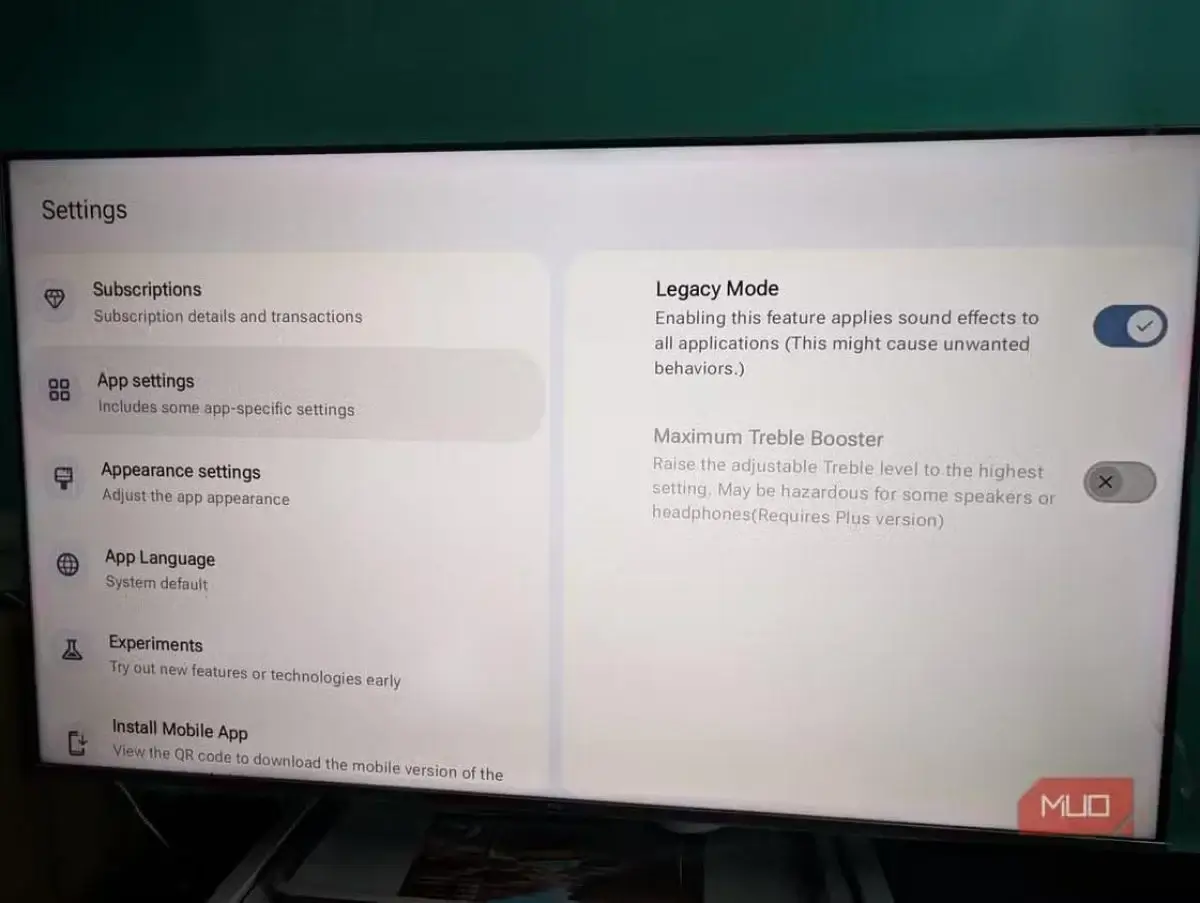
Since modern TVs are so slim, the manufacturers put in tiny speakers that face downward or backward. This makes the bass weak and the sound muffled. If you’re looking for a free alternative to buying an expensive soundbar, check out equalizer apps like the SoundWave app, which you can find on the Google Play Store for Android TV and Google TV. This 5-band equalizer (with a range from 60 Hz to 14 kHz) has preset music profiles and audio effects, like virtual surround sound or treble boost. To make sure the equalizer settings work across all TV apps, you’ve got to enable Legacy Mode in the app’s menu. While the app can’t quite match the power of a full-fledged sound system, it does a pretty good job of making dialogue clearer and adding depth to the sound without breaking the bank.
TVs have gotten so good these days, it’s crazy. QLED, OLED, and QNED technologies deliver bright images, high contrast, and excellent detail. But most models still have a weak spot—sound quality. You could solve the problem by buying a soundbar, but if you’re looking to save some cash, you can try out free equalizer apps. These apps can improve the sound quality of your TV’s built-in speakers, as mentioned in a MakeUsOf article.
Why is the sound from TV speakers so bad?
The main reason is the slim design of modern TVs. Manufacturers make panels with minimal bezels and a slim chassis, which leaves no room for good speakers, so they have to put in tiny ones.
Today’s TV speakers often lack bass, which can be a major drawback. They just don’t have enough power because you need larger speakers to get the bass. That’s why some soundbars include a subwoofer—it’s one of the best ways to get high-quality bass.
Another reason the sound from TV speakers is so poor is that they aren’t directed toward you, but either downward or backward. This degrades sound quality because the sound bounces off walls, the floor, or other objects.
How to improve TV sound
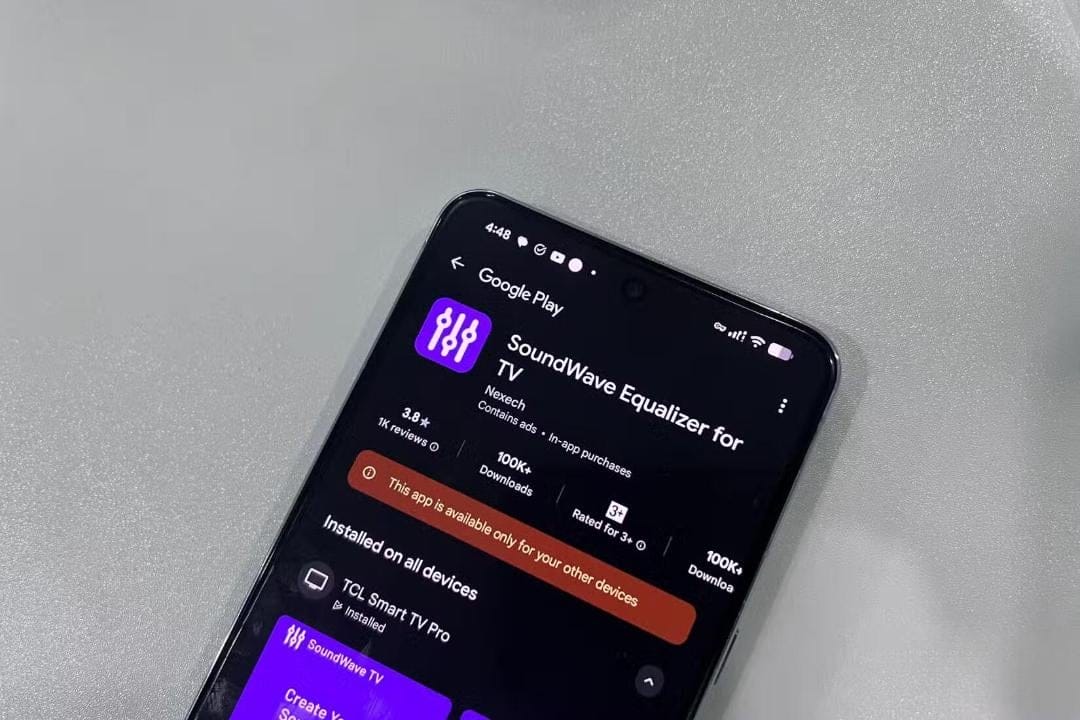
You can get better TV sound without buying extra equipment by using special equalizer apps. One option is the SoundWave app. You can get it for free on Google TV and Android TV, and you can install it directly from the Google Store.
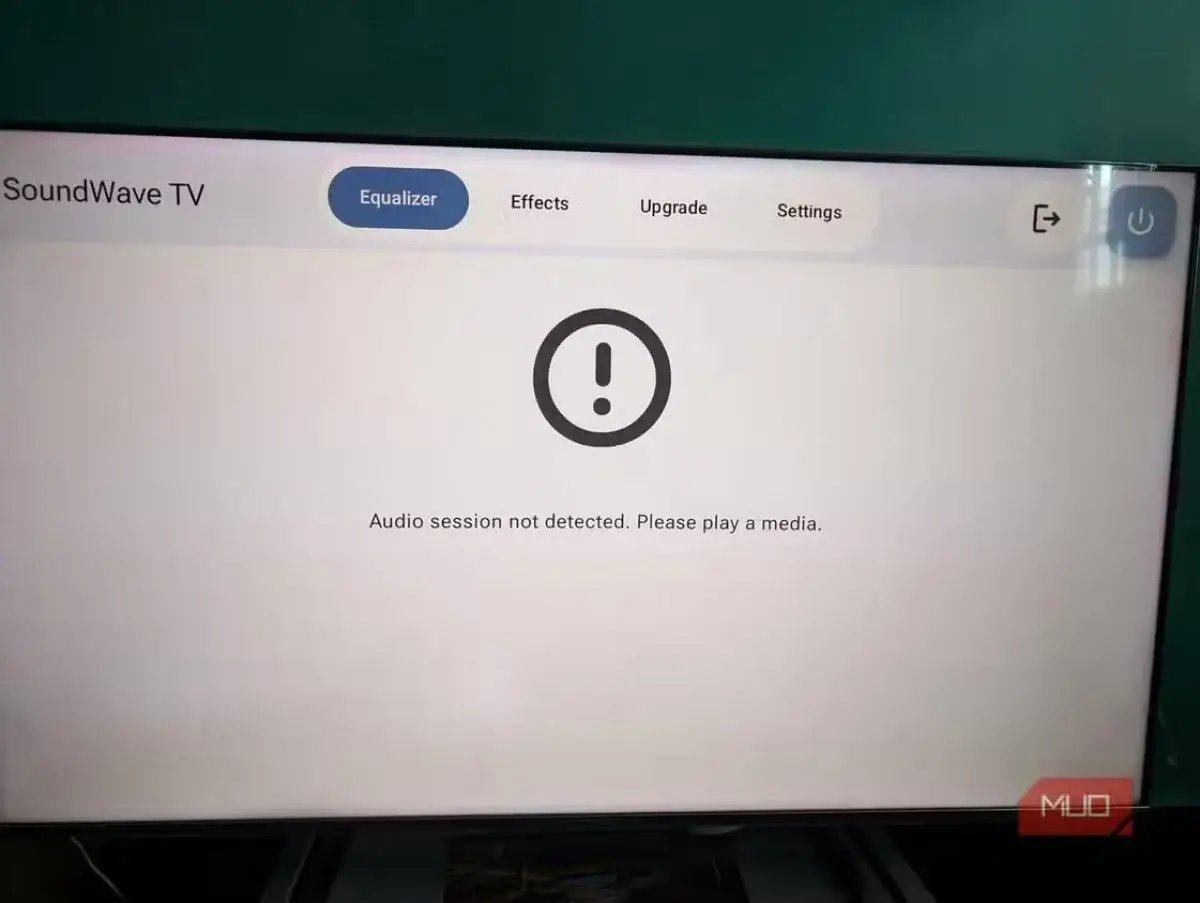
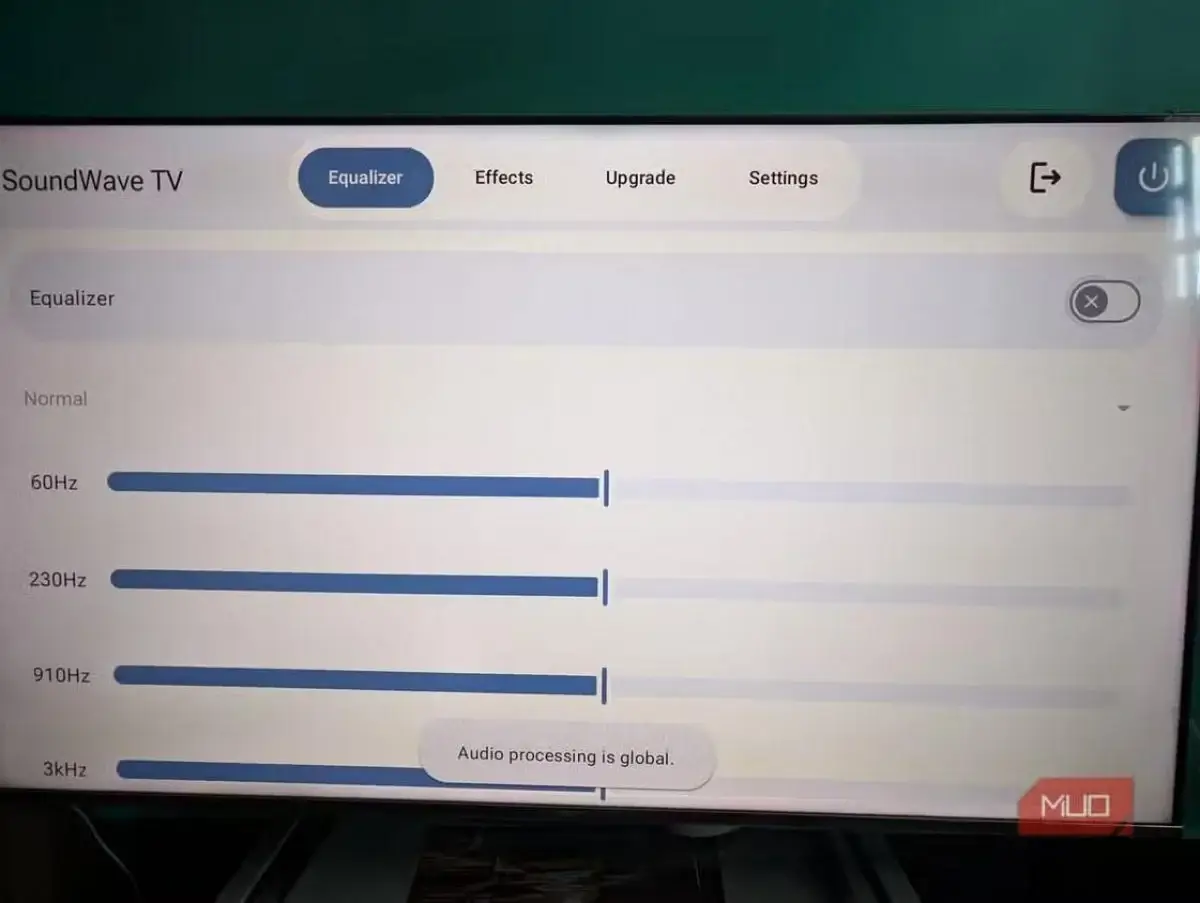
SoundWave is a five-band equalizer with a frequency range from 60 Hz to 14 kHz. You can use it to enhance dialogue, balance the sound, and slightly boost the bass. The app’s got preset profiles for all kinds of genres (jazz, rock, hip-hop, and more), plus extra effects like treble boost, virtualization, and reverb. But keep in mind that these features might not be available on every TV model.
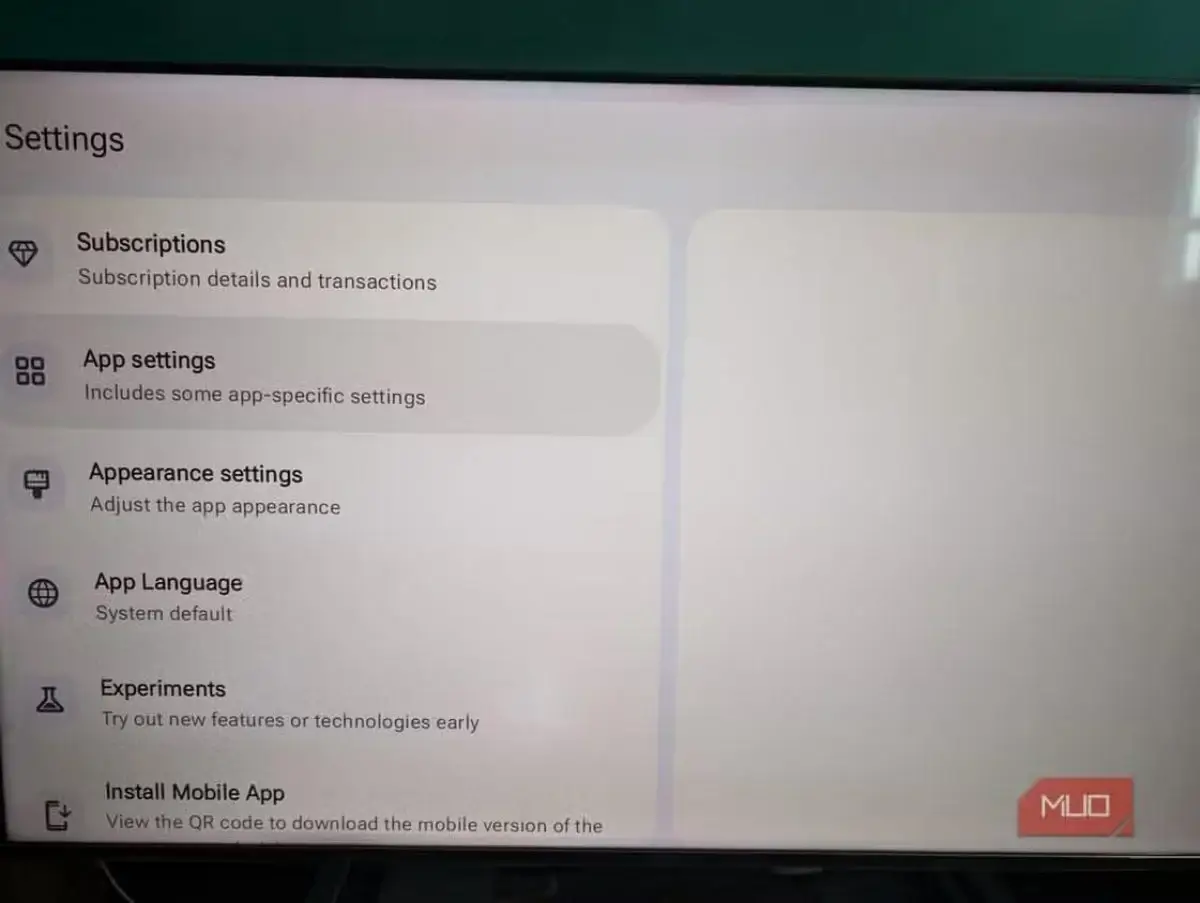
After you install the app, go to the “Settings” menu and enable Legacy Mode. This mode lets you apply settings to the whole system and all apps.
Next, turn on the equalizer and pick the best frequencies, or choose one of the preset profiles. Effects let you take the sound to the next level, making it richer and more immersive.
SoundWave can’t turn your TV’s built-in speakers into a full-fledged sound system, but it does make the sound noticeably better. If you’re not happy with the sound on your TV but you don’t want to spend a ton of money on a soundbar, this is the easiest and cheapest way to improve your audio.