
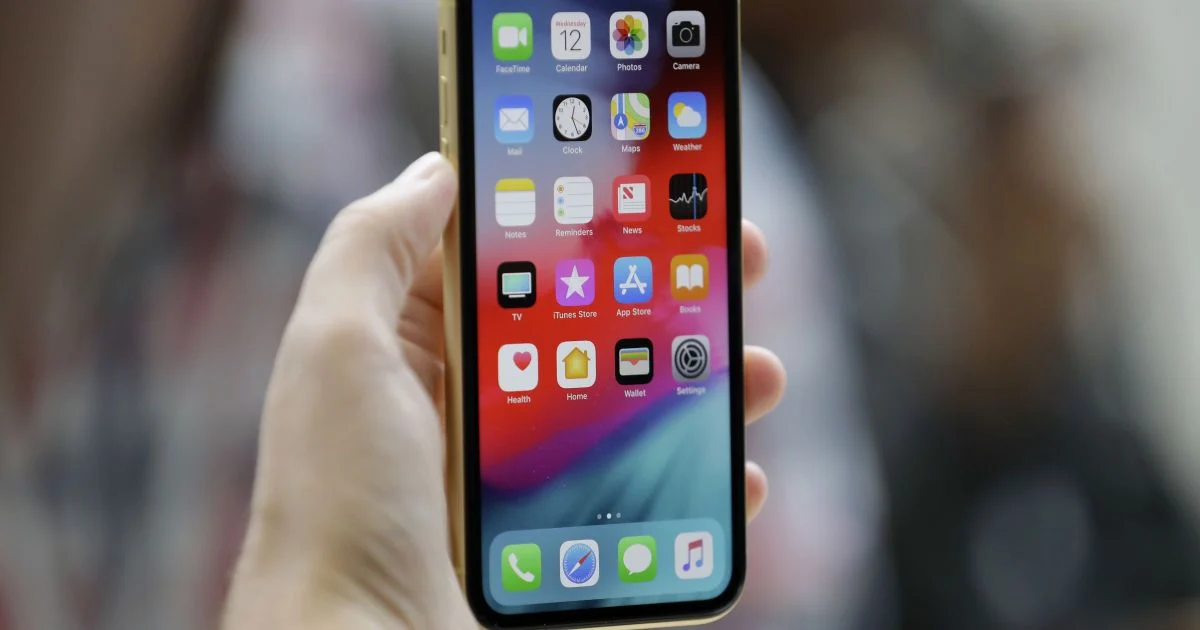

Cybersecurity experts are warning 1.8 billion iPhone and iPad users about a widespread calendar subscription scam. Scammers are using fake security alerts, prize notifications, and system warnings sent straight through calendar invites to trick users into sharing sensitive info like passwords and bank details. Unlike traditional viruses, this attack doesn’t require downloading files—just by clicking a malicious link, a user can auto-subscribe to a spam-heavy calendar. Notably, less than 20% of users have upgraded to iOS 26, which offers enhanced protection. Apple wants to remind users that they never send security warnings via the Calendar app. To stay safe, experts recommend checking for and deleting any “Subscribed Calendars” you don’t recognize in your settings.
Cybersecurity experts are warning about a new scam that’s targeting around 1.8 billion iPhone users worldwide. Attackers are using the calendar feature to get into victims’ personal data. The Daily Mail reported this.
The scheme involves sending a bunch of fake notifications via calendar subscriptions. These messages are basically fake security warnings, prize wins, or system notifications. They’re designed to scare people into clicking on a link and submitting their private info, like passwords, bank details, or other personal data.
This attack is different from classic viruses because it doesn’t require the installation of applications or the downloading of files. It’s easy enough to accidentally click on a bad link online and then subscribe to a hidden calendar.
Since calendar subscriptions work outside the App Store, these notifications can seem official and are hard to stop right away. Once they’re subscribed, fraudsters can send as many messages as they want straight to the device.
Researchers are saying that the attack is spreading fast and affects both iPhone and iPad users. At the same time, it’s being reported that less than 20% of iPhone owners use iOS 26, a version of the system that has enhanced protection against the latest cyber threats.
Experts say that Apple never sends virus warnings or phishing messages through the Calendar app.
Here’s how you can check for and get rid of a subscription that’s not what it seems
Most of the time, the problem has to do with an unwanted calendar subscription. To do that, you need to:
- Settings — Apps — Calendar — Calendar Accounts — Subscribed Calendars;
- If there are any unknown subscriptions, you’ll need to go ahead and delete them.
You can also open the Calendar app, tap the calendar icon at the bottom of the screen, find the suspicious subscription, select the info icon (“i”), and mark it as unwanted.
Some users recommend opening the suspicious event, copying the sender’s address, pasting it into the Mail app, blocking the contact, and deleting the message.
Experts say the number of these schemes is going to go up, since cybercriminals are always looking for new ways to get around app store security.
We urge users not to click on suspicious calendar invitations, not to follow unknown links, and to immediately check their device settings.