
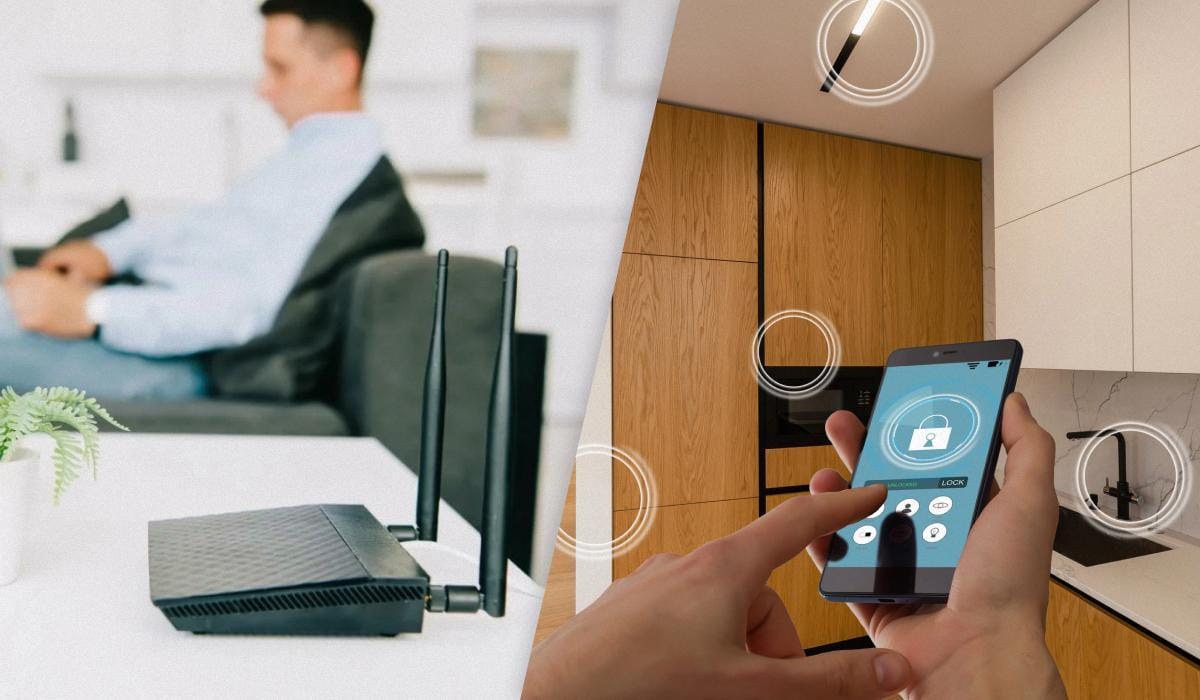

Wi-Fi speeds at home often drop not because of the internet service provider, but because of household appliances located too close to the router. As the pros say, gadgets like baby monitors, Bluetooth speakers, smart TVs, security cameras, and “smart home” devices create electromagnetic interference, especially in the 2.4 GHz band. Also, devices that are always sending data to the “cloud” put a lot of strain on the network. To get a solid signal back, just move the devices a few meters away from the router or hook them up with an Ethernet cable. It’s best to put the router somewhere close to the center of the apartment, like in the hallway, and as far from solid walls as you can. Another effective method is to go into the router settings and change the channel from the standard ones (1–9) to the less popular 10, 11, or 12.
Most users don’t realize that Wi-Fi speeds in their home might be dropping not because of the provider or an old router, but because of everyday household devices that are too close to the router. BGR pros say that a bunch of gadgets can mess with the Wi-Fi signal, especially the 2.4 GHz band. Baby monitors, Bluetooth speakers, security cameras, smart TVs, and even smart home devices are some of the main “culprits.”
The issue is that a lot of home electronics use the same frequencies or create electromagnetic interference that messes with the signal. If you put these devices near your router, you might run into delays, speed drops, and unstable connections. A few devices in the same area can really make things worse.
Smart home devices and security cameras, which are always sending data to the “cloud,” are another issue. They can put extra strain on the network, causing other gadgets to slow down and videos and games to lag.
TVs and Bluetooth devices can also cause interference if they’re placed right next to the Wi-Fi router. In cases like this, a simple solution is to move the devices a few meters away or connect some of the equipment via an Ethernet cable.
What else can you do if your Wi-Fi is acting up?
Experts say that most of the time, you can fix the problem without buying new equipment or switching your internet plan. It’s as simple as getting the router in the right spot and moving any potential sources of interference a few meters away.
The best place for your Wi-Fi router is close to the middle of the room, maybe a little higher than the floor, and as far from walls as you can, especially in the corners. A hallway is also a good option because the signal is spread out more evenly throughout the apartment, and there’s usually no more than one wall between the router and the devices.
Changing the Wi-Fi channel can also help. In apartment buildings, neighbors’ routers often use the same channel, which causes interference. Most routers operate by default in the range from 1 to 9, so it’s best to change the channel number to 10, 11, or 12.